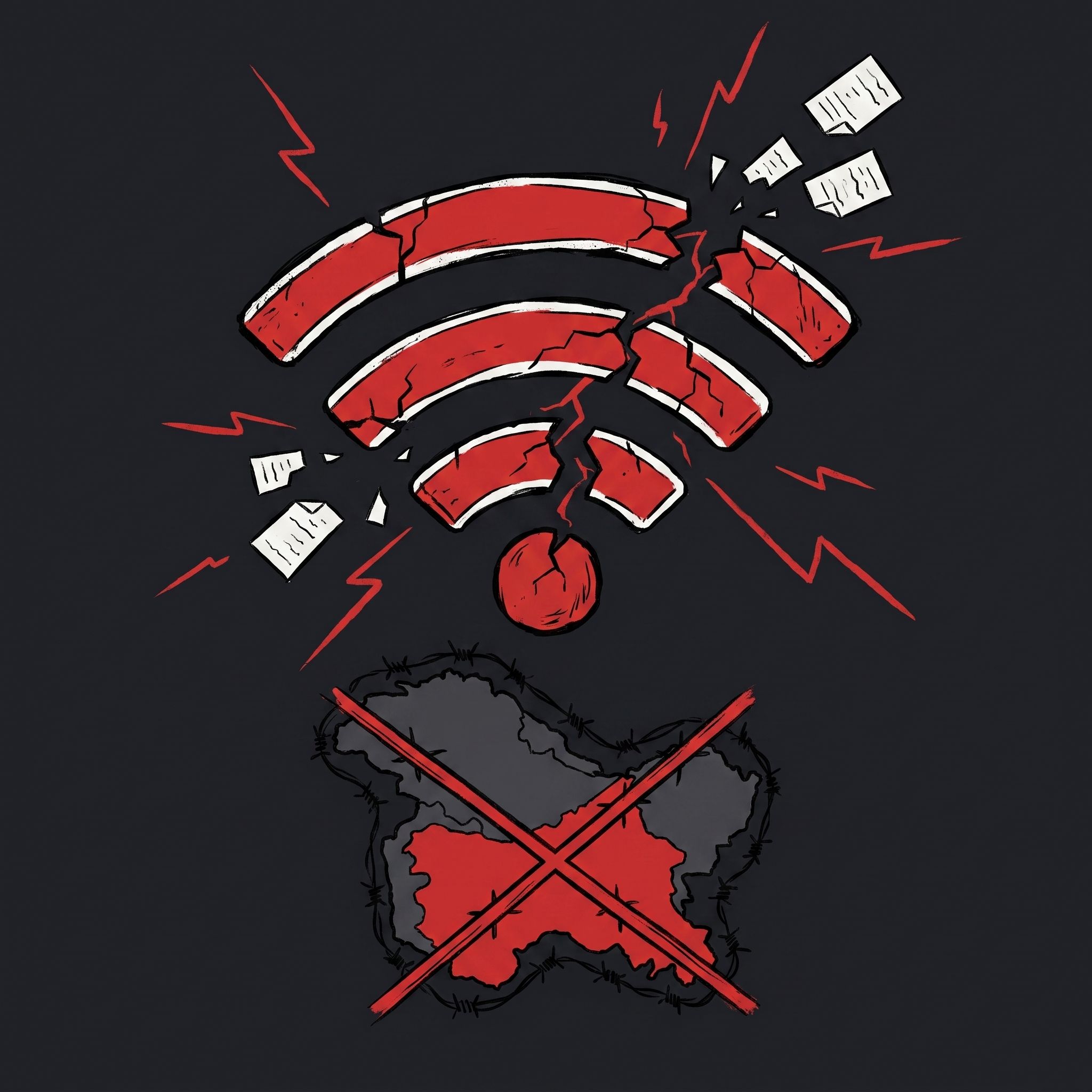
Studies show that nearly half of all internet shutdowns in India occur in the disputed state of Jammu and Kashmir. Local authorities regularly restrict communication during unrest and curfews. This region, along with the states of Gujarat, Rajasthan, and Haryana, accounts for over 75% of all recorded blackouts in the country between 2012 and 2017, with Jammu and Kashmir alone accounting for about 47%.
The scale of communication restrictions
Network shutdowns are often used by authorities as a tool to prevent public gatherings. In 2016, during mass protests in Kashmir, the longest network blackout was recorded, lasting for 203 days. Overall, the country is recognized as a global leader in such incidents, with more than 100 recorded cases of internet shutdowns.
Historical background of the conflict
The Muslim-majority region of Jammu and Kashmir is divided between India and Pakistan, though both countries claim it in full, and a small part is controlled by China. Since the 1947 partition, the two nations have fought three wars, two of them over Kashmir. Since 1984, clashes have also occurred on the Siachen glacier, ending with a ceasefire in 2003, but the internal struggle for independence or unification with Pakistan has been ongoing since 1989, costing thousands of lives.
In conditions of regular network blockages and restricted access to information, HiroVPN helps users stay connected and bypass local network barriers.